


Best Gadgets for Engineers & Tech Professionals in 2026
- 15 Sep 2026
-
.jpg) By Swati Rani
By Swati Rani
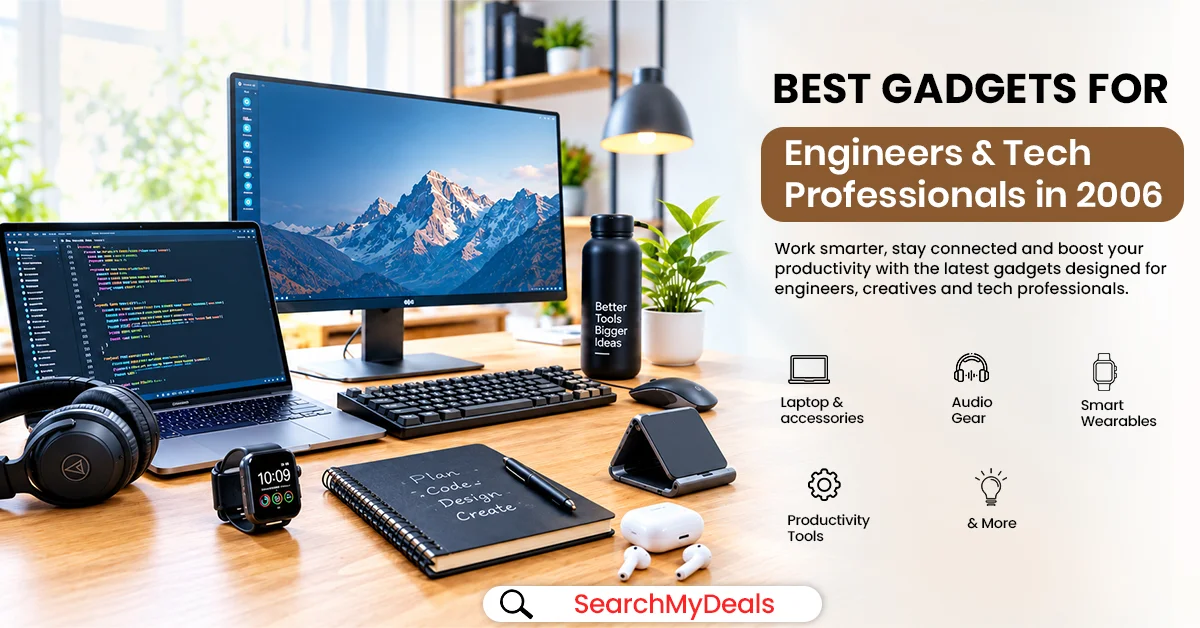
For engineers, developers and tech professionals, a good workstation is more than just a powerful laptop or a high-resolution monitor. The right accessories can make your desk more comfortable, reduce cable clutter, improve productivity and make it easier to switch between multiple devices.
Whether you're coding for hours, working with spreadsheets, attending virtual meetings, designing products, analysing data or managing multiple screens, a few smart additions can change your everyday setup.
From monitor light bars and USB-C hubs to laptop stands, wireless keyboards and cable-management accessories, here are some of the best gadgets for engineers and tech professionals in 2026 worth considering on Amazon.
Note: Amazon prices and availability can change frequently. Check the current listing before purchasing.
1. Monitor Light Bar – A Smarter Alternative to a Desk Lamp
If you spend long hours in front of a monitor, lighting deserves more attention than it normally gets.
A monitor light bar sits on top of the display and focuses the light in towards your desk and keyboard rather than taking up desk space. Some recent monitor-light options in India start around ₹999, while more premium options add features such as remote control and automatic dimming.
Why engineers and developers may like it
- Takes up virtually no desk space.
- Illuminates your keyboard and workspace.
- Useful for late-night coding or work.
- Can make a dark workstation more comfortable.
- Helps avoid using a bright overhead light when only your desk requires illumination.
When choosing one, look for adjustable brightness, multiple colour temperatures and a design that fits with your monitor.
2. USB-C Multiport Hub – Turn Your Laptop Into a Workstation
Modern laptops sacrifice ports for a slimmer design – but that can be incredibly frustrating when you need to connect a monitor, keyboard, mouse, external storage and other accessories simultaneously.
A USB-C multiport hub can solve this problem by providing multiple connections through a single laptop port.
Amazon Business also notes USB hubs and adapters as useful accessories when laptops have limited ports and need to connect peripherals such as external keyboards, mice, storage and other devices.
Why it is useful
A good USB-C hub can allow you to connect:
- External monitors
- USB keyboards
- Wireless mouse receivers
- External drives
- SD cards
- USB accessories
- Ethernet, depending on the model
For professionals who need more extensive connectivity, higher-end hubs from brands such as Anker offer HDMI, USB-A, USB-C, SD and microSD connectivity.
Buying tip: Check whether the hub supports the display resolution and refresh rate you need before purchasing.
3. Laptop Stand – Create a Better Dual-Screen Setup
Using a laptop stand alongside a monitor can leave both screens at vastly different heights. A height-adjustable laptop stand can raise the laptop so that its screen is closer to your monitor's height.
Why engineers and tech professionals need one
- Creates a cleaner dual-screen setup.
- Raises the laptop screen.
- Frees some desk space.
- Improves the overall workstation layout.
- Makes it easier to use an external keyboard and mouse.
For a dual-monitor or laptop-plus-monitor workstation, a stand can make the entire setup feel considerably more organized.
4. Monitor Arm – Free Up Your Desk
The stand that comes with a monitor can take up a surprisingly large amount of desk space. A monitor arm moves the display off its original stand and allows you to adjust its height, tilt, rotation and position.
Why it is useful
A monitor arm can:
- Free up desk space.
- Bring your monitor closer to eye level.
- Make screen positioning easier.
- Help create a cleaner dual-monitor setup.
- Allow horizontal or vertical monitor positioning on compatible models.
Before buying: Check your monitor's VESA compatibility, screen size and weight. Most monitor arms use common 75 × 75 mm or 100 × 100 mm mounting patterns, but compatibility should always be verified.
5. Wireless Keyboard & Mouse Combo – Declutter Your Desk
A monitor setup works best when you're not constantly reaching back to the laptop. A wireless keyboard and mouse combination allow you to place your laptop on a stand while controlling everything from a more comfortable position.
Why it is useful for tech professionals
Laptop → Laptop Stand → External Monitor → Wireless Keyboard + Mouse
Now your laptop effectively becomes another screen while your keyboard and mouse are in the ideal position on the desk, making it easier to manage desk space.
It is particularly suitable for:
- Software developers
- Students
- Office professionals
- Data analysts
- Work-from-home users
- Engineers working with multiple screens
6. Cable Management Tray – The Upgrade Your Desk Actually Needs
A powerful workstation can still look terrible when five cables are hanging behind the monitor.
A cable management tray sits underneath the desk and keeps charging cables, monitor cables, power adapters and other wires together.
Why it matters
It can help you:
- Hide excess cables.
- Keep chargers off the floor.
- Prevent cables from tangling.
- Make cleaning easier.
- Create a cleaner-looking workstation.
For a professional workstation, this may not be the most exciting purchase – but you can make one of the biggest visual differences.
7. Laptop Cooling Pad – Useful for Demanding Workloads
Engineers and developers don't always use their laptops for basic browsing.
Compiling large projects, running virtual machines, simulations, development environments or demanding software can put considerably more load on a laptop than everyday office work.
A laptop cooling pad can improve airflow underneath a compatible laptop and can also provide a more elevated working position.
Why it can be useful
- Provides additional airflow.
- Raises the laptop from the desk.
- Useful during long work sessions.
- Can make the laptop setup more comfortable.
- Works well as part of a laptop-plus-monitor workstation.
Remember that a cooling pad is not a substitute for cleaning blocked vents or servicing an overheating laptop.
8. Webcam Privacy Cover – A Tiny Accessory for a Modern Workspace
Most laptops already have a webcam but that does not mean you need to leave it uncovered all the time. A sliding webcam privacy cover provides a simple physical barrier to block the camera when you aren't using it.
Why tech professionals may want one
- Provides a physical privacy barrier.
- Useful for laptops used at work and home.
- Easy to open before video meetings.
- Extremely inexpensive.
- Takes virtually no space.
It is one of those accessories that costs very little but can be useful if you regularly attend video meetings.
9. Headphone Stand – Keep Your Desk and Headphones Organized
If you spend your day switching between meetings, music, coding sessions and focused work, your headphones can quickly become another object taking up desk space.
A headphone stand gives them a dedicated place beside your monitor.
Why it is useful
- Keeps headphones off the desk.
- Prevents them from getting buried under cables.
- Makes them easy to reach.
- Creates a cleaner workstation.
- Helps maintain a dedicated place for frequently used accessories.
If desk space is limited, look for a clamp-on or under-desk headphone holder rather than a traditional freestanding stand.
How to choose the best gadgets for your workstation
Start with your biggest problem
Don't buy a gadget simply because it looks good in a desk-setup video
If your main issue is cable clutter, invest in some cable-management accessories;
If your challenge is limited laptop ports, get a USB-C Hub;
If your laptop and monitor are at different heights, consider buying a laptop stand or a monitor arm;
Look into compatibility
This is especially important for such gadgets as:
USB-C hubs, monitor arms, laptop stands, webcams, external storage devices and display adapters.
For example, before buying a monitor arm, double-check your monitor's VESA pattern and weight since the compatibility may vary from model to model. As for USB-C hubs, look into what display-output and power-delivery capabilities the device has.
Think about ergonomics
Remember that a nice-looking but uncomfortable desk setup won't be the most optimal choice for everyday use. The position of your monitors, their height and distance from you, keyboard position and lighting can affect the overall ergonomics of your workspace.
Compare prices before buying
Some tech accessories may have widely varying prices from month to month, especially with Amazon sales and holiday promotions. Consider comparing the price you're paying with recent prices and see if a gadget has gone up in price just for the season. Another good option to find a better price is to use SearchMyDeals . The website allows you to search multiple websites for deals, price drops, and last-chance sales. That way, you can avoid paying a higher price just because it's a popular tech accessory.
FAQs
What are the best gadgets for engineers in 2026?
Some of the most useful gadgets include USB-C hubs, monitor arms, laptop stands, monitor light bars, wireless keyboard and mouse combos, cable-management accessories, portable SSDs and SD card readers.
Which gadgets are useful for software developers?
Software developers can benefit from a monitor arm, external monitor accessories, USB-C hub, laptop stand, wireless keyboard and mouse, cooling pad and portable SSD.
What are the best desk accessories for engineers?
Monitor light bars, cable-management trays, extended desk mats, headphone stands, laptop stands and monitor arms are practical desk accessories for engineers.
Is a USB-C hub useful with a monitor?
Yes. A compatible USB-C hub can connect a laptop to a monitor while also providing ports for peripherals and storage. However, you should check the hub's display-output and power-delivery specifications before purchasing.
Is a monitor arm worth buying?
A monitor arm can be worthwhile if you want to free desk space or adjust your monitor's height, tilt, rotation and position. Always check VESA compatibility and the monitor's weight before buying.
What should I look for in a monitor light bar?
Look for adjustable brightness, adjustable colour temperature, suitable monitor compatibility and a design that illuminates the desk without creating distracting reflections on the screen.
Where can I find technology deals for engineers?
Amazon and other online marketplaces regularly offer discounts on technology accessories. You can also check SearchMyDeals for current deals, coupons, discounts and price drops across online marketplaces before purchasing.
How can I create a clean engineering workstation?
Start with a monitor and laptop stand, then add a USB-C hub, wireless keyboard and mouse, monitor light bar and cable-management accessories. Add a monitor arm or portable SSD depending on your workflow and available desk space.


